WireGuard: the modern VPN that fits in a config file
It’s 2 AM, an OpenVPN tunnel just died for reasons nobody can reproduce, and you’re staring at a 200-line config file trying to spot the one cipher mismatch between client and server. Or the more common version: you need to grant a colleague temporary access to an internal environment, and the process takes longer than the problem they wanted to solve. If you’ve ever felt a VPN should be a tool, not a project you maintain, WireGuard is why things changed.
WireGuard is an open-source VPN protocol and implementation, GPLv2-licensed for the Linux kernel side, created by Jason A. Donenfeld. Its code lives directly in the Linux kernel (mainline since version 5.6), which makes it both extremely fast and extremely small: a few thousand lines of code, compared to the tens of thousands in the OpenVPN or IPsec stacks.
What WireGuard actually is
WireGuard isn’t a “VPN framework” with dozens of operating modes, optional ciphers, and negotiation combinations. It’s a protocol with a single, fixed cryptographic suite: Curve25519 for key exchange, ChaCha20-Poly1305 for authenticated encryption, BLAKE2s for hashing. There’s no “downgrade” option to a weaker cipher, because there are no options at all. All traffic rides over UDP, no TCP-in-TCP handshake and none of the latency problems that brings.
Why this approach matters
OpenVPN and IPsec were designed 20+ years ago, when flexible algorithm negotiation seemed like a good idea: systems evolved, ciphers changed, you needed to be able to choose. In practice, that flexibility became attack surface. Every configuration option is a decision an administrator can get wrong, and every legacy compatibility mode is code that has to be audited and maintained. WireGuard chose the opposite: one correct path, no switches. The result is a codebase small enough for a single person to read and understand in a weekend, which is precisely what made a formal protocol audit possible before it entered the kernel.
The routing model is just as simple: each peer is identified by a public key, and the routing table is, in effect, a mapping between public keys and allowed subnets (“cryptokey routing”). No certificates, no PKI, no certificate revocation at 3 AM because something expired. You either have the peer’s public key, or you don’t.
What you get out of the box
- Transparent roaming: a client that changes IP (moving from WiFi to mobile data) doesn’t lose the tunnel; WireGuard rediscovers the endpoint on the next valid packet.
- Silence when idle: if no traffic is flowing, WireGuard doesn’t send constant heartbeats, which makes it quieter on the network and friendlier to battery life on mobile.
- Near line-rate performance: in-kernel encryption removes the user-space/kernel-space context switches OpenVPN pays for.
- Declarative configuration: a peer is a few lines (
PublicKey,AllowedIPs,Endpoint); no CA, no separate authentication server needed. - Native cross-platform support: Linux kernel module, WireGuard-go userspace for BSD/macOS/Windows, official mobile clients.
Installing WireGuard on a VPS
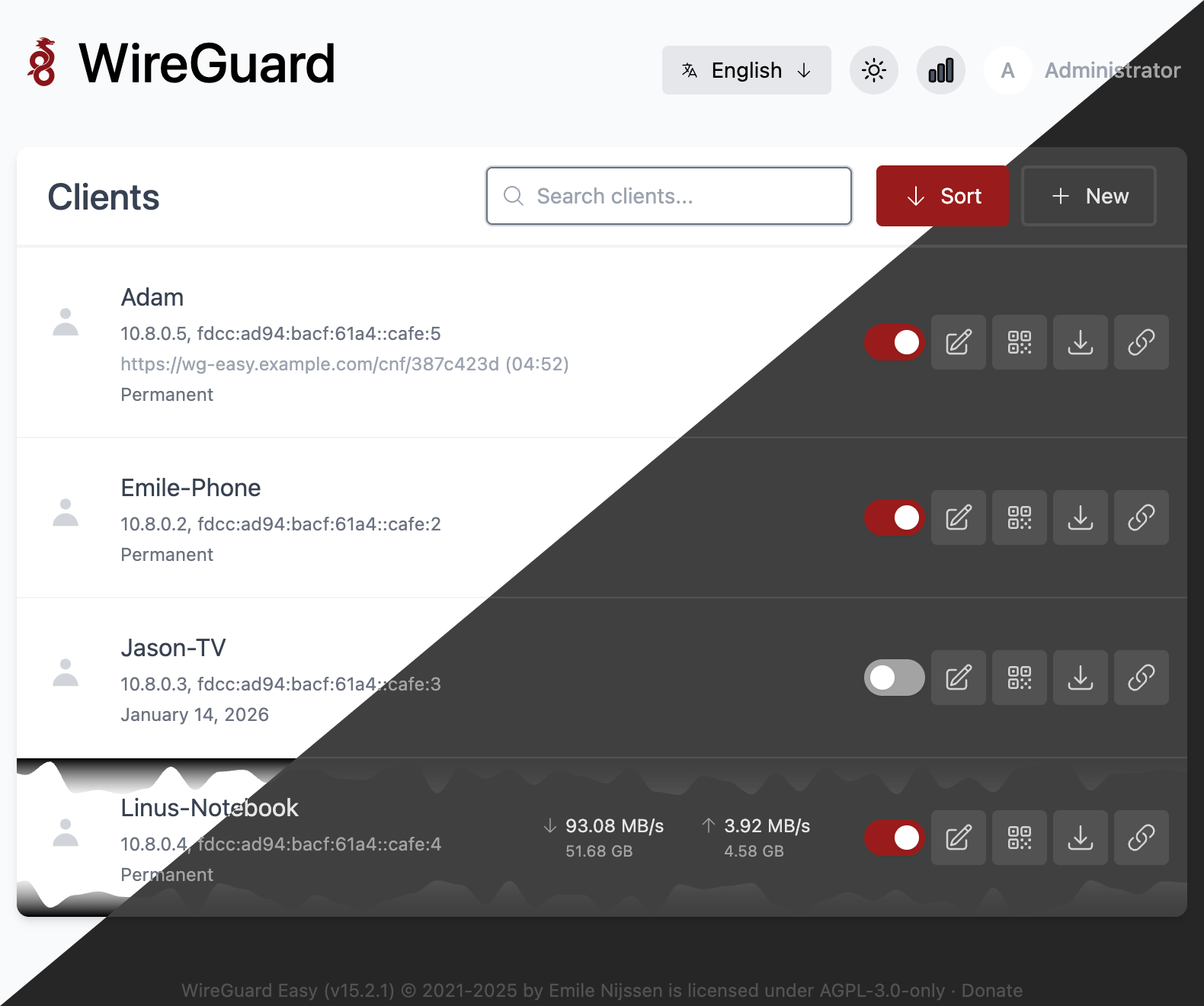
The fastest way to get a working WireGuard server with a web UI and QR config generation for mobile clients is wg-easy
, an open-source project that puts a dashboard on top of wg-quick:
mkdir -p ~/wg-easy && cd ~/wg-easy
docker run -d \
  --name wg-easy \
  -e WG_HOST=<public-server-ip> \
  -e PASSWORD_HASH='$2a$12$...' \
  -v ~/wg-easy/etc-wireguard:/etc/wireguard \
  -p 51821:51821/tcp \
  -p 51820:51820/udp \
  --cap-add NET_ADMIN \
  --cap-add SYS_MODULE \
  --sysctl net.ipv4.ip_forward=1 \
  --sysctl net.ipv4.conf.all.src_valid_mark=1 \
  --restart unless-stopped \
  ghcr.io/wg-easy/wg-easy
The admin port (51821/tcp) should never be open to the whole internet. Lock it down to the IPs you actually administer from:
ufw allow 51820/udp
ufw deny 51821/tcp
ufw allow from <your-ip> to any port 51821 proto tcp
If you prefer a manual setup (no UI), a clean VPS with wireguard-tools installed and a few lines in /etc/wireguard/wg0.conf gets you running in under 5 minutes. Either way you need a VPS with a modern kernel and root access; check our VPS plans
if you want to start from scratch on our Bucharest infrastructure.
Configuration patterns worth knowing
AllowedIPs does double duty
The AllowedIPs field has two roles: besides telling the kernel what traffic to route through the tunnel, it also defines what packets are accepted from that peer (source filtering). If you want split-tunnel (only traffic to your internal network goes through the VPN), put only that subnet there, not 0.0.0.0/0.
PersistentKeepalive for clients behind NAT
If a client sits behind symmetric NAT (common on mobile networks or CGNAT), set PersistentKeepalive = 25 on the client side to keep the NAT mapping open. Without it, the server may try to send traffic to an endpoint that no longer responds.
One key per device, never shared
Generate a separate keypair for every device/peer. It’s tempting to reuse one config between a laptop and a phone, but you lose the ability to revoke a single device’s access without affecting the rest.
MTU matters more than it looks
Over PPPoE or other tunneled links, the default MTU can cause silent fragmentation. Lower the WireGuard interface MTU to 1420 (or even 1280 for maximum compatibility) if you see connections stalling only on large transfers.
Where WireGuard is not the right answer
WireGuard is a point-to-point tunnel protocol, not a fleet management platform. It has no native ACLs, no SSO, no central dashboard showing who’s connected where, beyond whatever you build on top (like wg-easy). If you need per-user access policies, Google/Okta integration, or centralized management across dozens of offices and hundreds of users, you’ll either build that layer yourself or pick a tool that already ships it.
Also, if you need Layer 2 networking (broadcast, multicast, device discovery like on a physical switch), WireGuard isn’t a fit: it’s strictly Layer 3, IP routing.
Alternatives we considered
- Tailscale : built on top of WireGuard, adds automatic key coordination, NAT traversal with DERP relays, SSO, and ACLs. Very easy to get started with, but the control plane remains a proprietary SaaS (Headscale exists as an open-source control-plane alternative).
- ZeroTier : software-defined network that emulates an Ethernet switch over the internet, with Layer 2 support, its own protocol (not WireGuard).
- Classic OpenVPN/IPsec: still relevant where you already have infrastructure built on them, or need compatibility with legacy hardware that doesn’t support WireGuard.
So, should you run it?
If you need a fast, auditable, easy-to-understand point-to-point tunnel between offices, servers, or for administrative access to your infrastructure, WireGuard is the right choice in 2026. We actually run it ourselves: wg-easy sits on our docker hosts, plus a dedicated WireGuard VPN for operational access into our internal infrastructure, precisely because we don’t want to depend on a CA that can expire at the worst possible moment.
If you want to run it on your own infrastructure, start from a VPS with a modern kernel, or let us configure and maintain it through server administration .