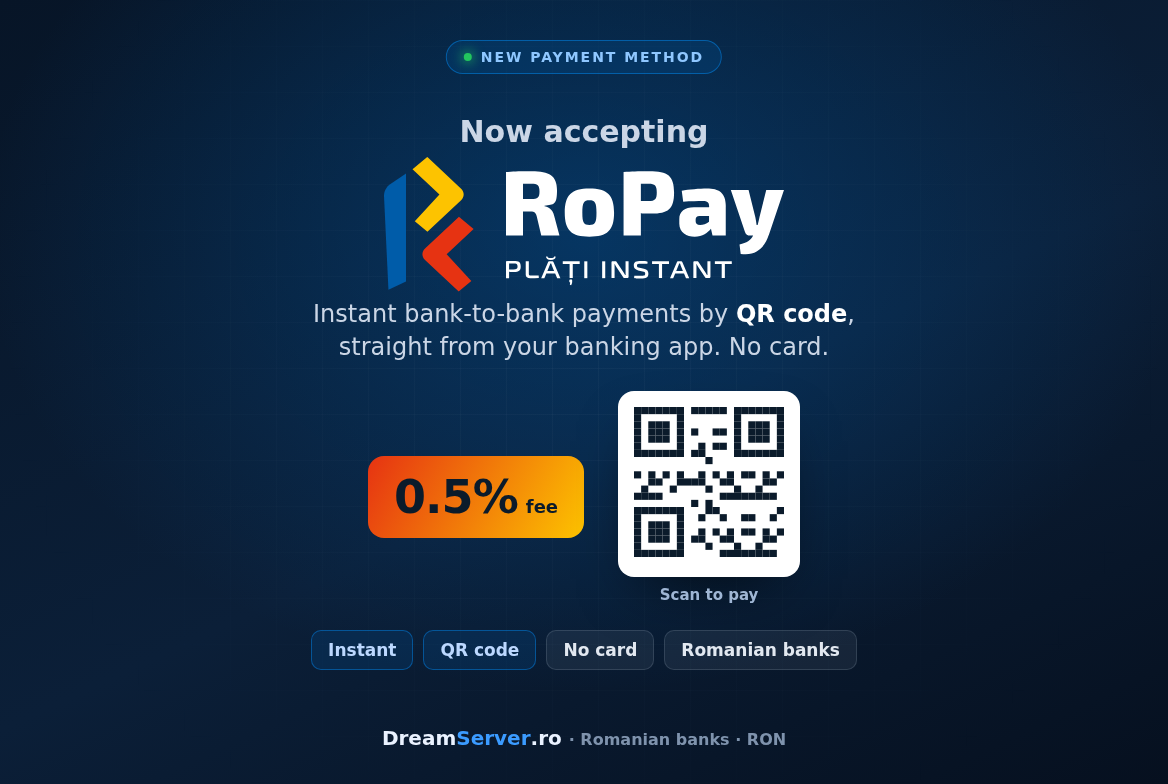
RoPay is here: pay for your hosting instantly by QR, with a 0.5% fee
Paying for your hosting should be as quick as scanning a QR code with your phone. Starting today, at DreamServer, it is. We have added RoPay as a payment method, so you can settle any invoice straight from your banking app, no card numbers, no redirects to a card page, no waiting. The money moves bank to bank in seconds, and the fee is a flat 0.5%.
This is a short, practical post: what RoPay is, why we like it, and exactly how you pay with it, step by step.
What RoPay is
RoPay is Romania’s instant account-to-account payment scheme. Instead of typing a card number, you initiate a payment by scanning a QR code (or tapping a link on your phone), and you approve it inside your own bank’s mobile app with your usual authentication, fingerprint, face or PIN. The transfer settles in real time, in seconds, directly from your bank account to ours. No card network in the middle, no card details shared with anyone.
We integrated RoPay through Libra Internet Bank , our partner bank on the scheme. For you as a customer, the bank on our side does not matter: what matters is that your bank is one of the Romanian banks enrolled in RoPay, which by now is almost all of them.
Why we added it
Three honest reasons:
- It is instant. The invoice is marked paid the moment you confirm in your app, so your service is provisioned or renewed without the “waiting for the payment to clear” limbo.
- It is safer. You approve the exact amount and merchant inside your trusted banking app. You never type card details into a payment page, so there is nothing to skim or leak.
- It is cheaper, and we pass that on. Card processing carries hefty fees. RoPay does not. Paying by RoPay costs a flat 0.5%, noticeably less than a card, which is money that stays in your pocket.
How to pay with RoPay, step by step
- Open your invoice in the DreamServer client area and choose RoPay as the payment method, then click pay.
- A payment page appears showing the amount in RON and a RoPay QR code.
- Open your bank’s mobile app on your phone, find its “scan QR to pay” or RoPay feature, and scan the code. If you are already on your phone, just tap the “Open in app” button and it will jump straight into your banking app.
- Check and confirm. Your app shows the amount and that the payment goes to DreamServer. Approve it the way you always do, fingerprint, face or PIN.
- Done. The payment lands in seconds, the page confirms it automatically, and your invoice is marked paid. No screenshots to send us, no “please confirm my payment” ticket.
That is the whole flow. The first time takes a curious extra ten seconds while you find the QR feature in your app; after that it is faster than reaching for your wallet.
Good to know
A few honest details so there are no surprises:
- RoPay works in RON only. It is a Romanian domestic instant-payment scheme, so it settles in lei. If your invoice happens to be issued in EUR or USD, the RoPay page will tell you and offer to open a ticket. Just ask and we will reissue the invoice in RON so you can pay it with RoPay.
- You need RoPay active in your banking app. You need a Romanian bank account at a RoPay-enrolled bank, with the feature switched on. Most Romanian banking apps have it under names like “instant payments”, “RoPay” or “pay by QR”.
- Not sure how your bank does it? Open your banking app and look for a “scan to pay”, “QR” or “RoPay” option, usually near transfers or payments. If you cannot find it, your bank may ask you to enroll or activate RoPay once, a one-minute, one-time step that links your account to the scheme. After that, every future payment is just scan and confirm.
- The QR is single-use. Each payment generates a fresh QR, so if you leave the page and come back, you will get a new code. That is by design, for security.
Try it on your next invoice
RoPay sits right next to our existing payment methods, so nothing you already use goes away, you simply have a faster, cheaper option now. Next time an invoice is due, pick RoPay, scan, confirm, and get on with your day.
If you are new here and want something to pay for, our VPS plans are a good place to start, and if you would rather we run the server for you, our server administration service has you covered. Either way, when the invoice arrives, RoPay will be waiting, one scan away.